Almost every Wi-Fi call we get in Somerset, Morris and Hunterdon counties starts the same way: “It’s fine in the kitchen, useless in the family room, and the basement is a dead zone.” The house is usually a colonial or split-level built between 1960 and 2005, the router is wherever the cable company left it, and there is at least one mesh kit from a big-box store already plugged in. Here is what is actually going on and what fixes it.
Why these houses are hard on Wi-Fi
- Plaster, lath and brick. Older Bridgewater, Westfield and Montclair homes have plaster over wire lath. That metal mesh is a shield. A signal that crosses drywall easily loses most of its strength going through one plaster wall.
- The router is in the wrong place. Cable and fiber usually enter at a corner of the basement or a first-floor closet. The router ends up in the worst spot in the house, radiating into the foundation instead of the living space.
- Three floors, one radio. Wi-Fi spreads sideways much better than it goes up and down through floors, joists and ductwork. A single router on one floor rarely covers three.
- Additions and finished basements. That family room off the back, the room over the garage, the basement office — all separated from the router by exterior-grade walls, foil-faced insulation or a slab.
- Everything is on Wi-Fi now. Thirty to sixty devices per household is normal: phones, laptops, TVs, thermostat, doorbell, cameras, speakers, printers, a game console or two. A consumer router was not designed to juggle that.
Why the mesh kit disappointed you
Mesh systems are sold as the answer, and in a small open-plan house they can be. In a colonial they usually fall short for one reason: the nodes talk to each other over Wi-Fi. Every hop between nodes cuts the speed roughly in half, and each node has to get through the same plaster walls that blocked the router in the first place. You end up with three or four full bars and a video call that still freezes.
The other quiet problem is “sticky clients.” Your phone connects to a node in the kitchen, you walk to the basement, and it stubbornly hangs on to that weak kitchen signal instead of switching. Consumer mesh handles this poorly; enterprise-grade access points handle it well.
Does Wi-Fi 7 fix it?
Short answer: not on its own. Wi-Fi 7 is genuinely faster than Wi-Fi 6 and 6E, and it handles a crowded house of devices better. But every one of those gains happens between the access point and your phone — in the same room, through the same plaster and lath. A newer standard does not push a signal further through a masonry chimney or a wire-mesh wall.
What Wi-Fi 7 does change is how much a single access point can carry once it is in the right place. If you are running one Wi-Fi 7 router in the corner of a 1930s colonial, you have bought a faster engine for a car with no road. Put three modest Wi-Fi 6 access points on Cat6 in the right ceilings and you will beat it everywhere except the one room the router sits in.
Our advice for most NJ colonials: spend the money on the wired backbone first, then choose the access point standard. If you are pre-wiring now and plan to keep the system eight or ten years, Wi-Fi 7 access points are worth it. If you are retrofitting and watching the budget, Wi-Fi 6 on a wired backbone is the better buy today — and because the access points are wired, upgrading to Wi-Fi 7 later is a swap, not another wiring job.
What actually fixes it: a wired backbone
The fix is not a stronger router. It is putting the radios where the people are and wiring them back to one switch:
- A quick survey. We walk the house with a signal meter, note wall construction, where the cable enters, and where you actually use Wi-Fi — the deck, the basement, the bedroom over the garage.
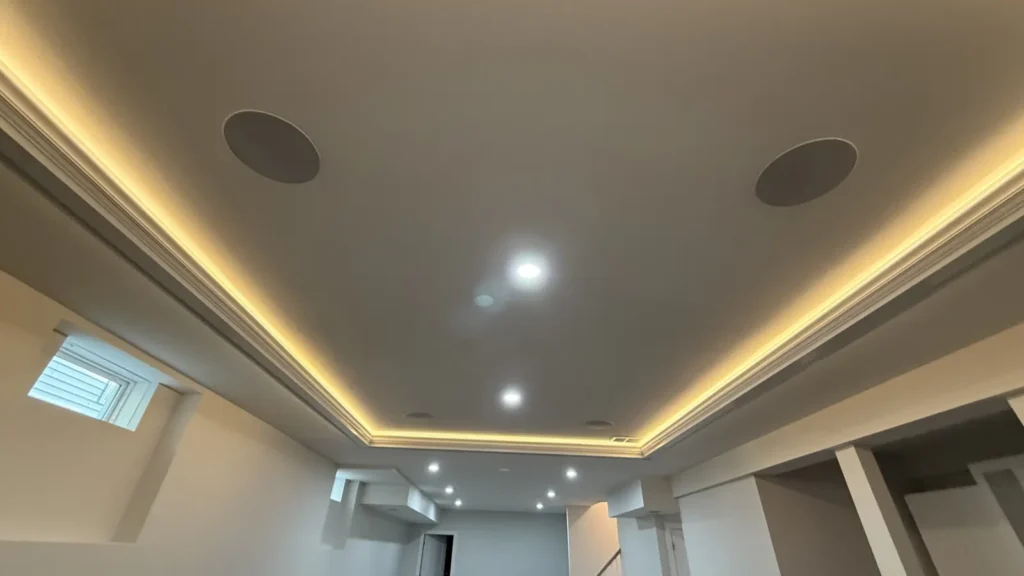
- Cat6 runs to two or three ceiling-mounted access points. Typically one per floor, placed centrally. Each one gets its own wired connection back to a small switch in the basement or closet, so there is no wireless hop and no speed loss.
- One network name everywhere. Your devices roam between access points automatically. No “upstairs” and “downstairs” networks, no reconnecting.
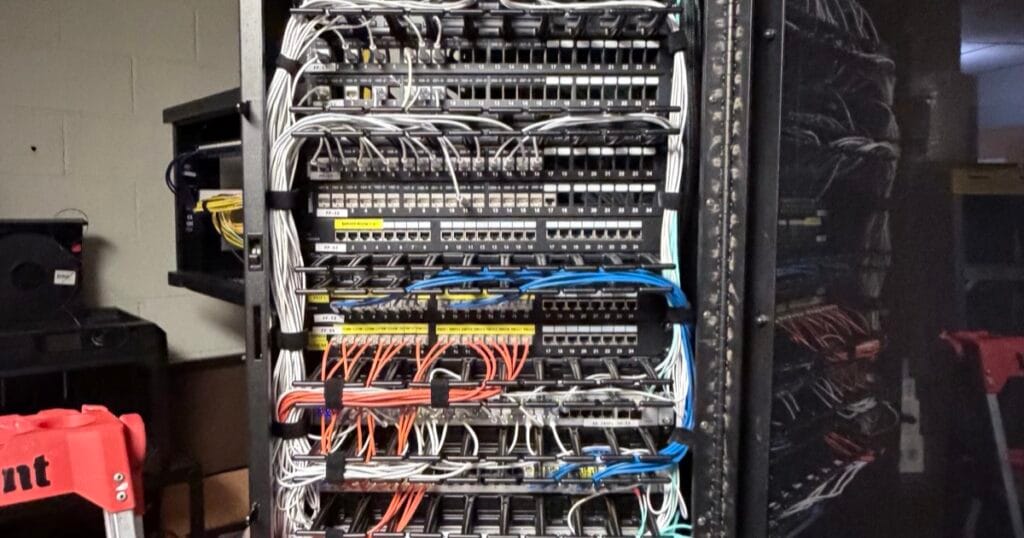
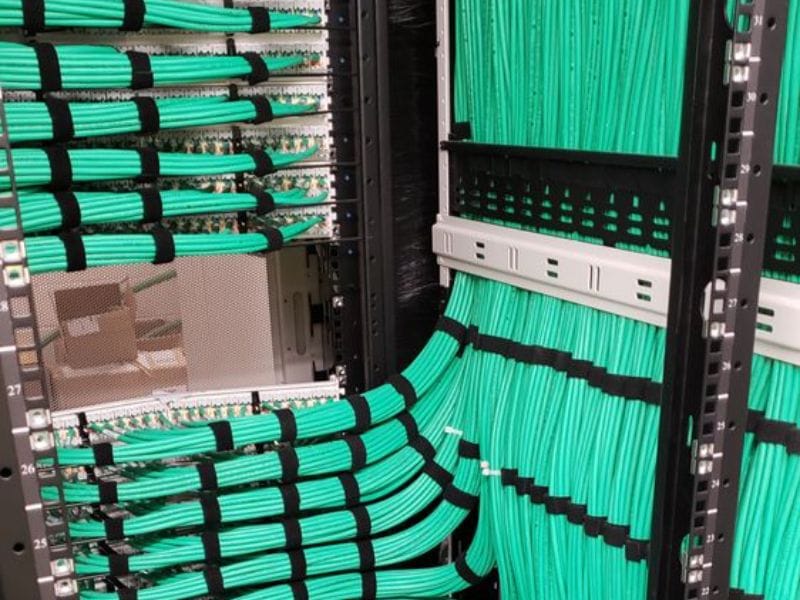
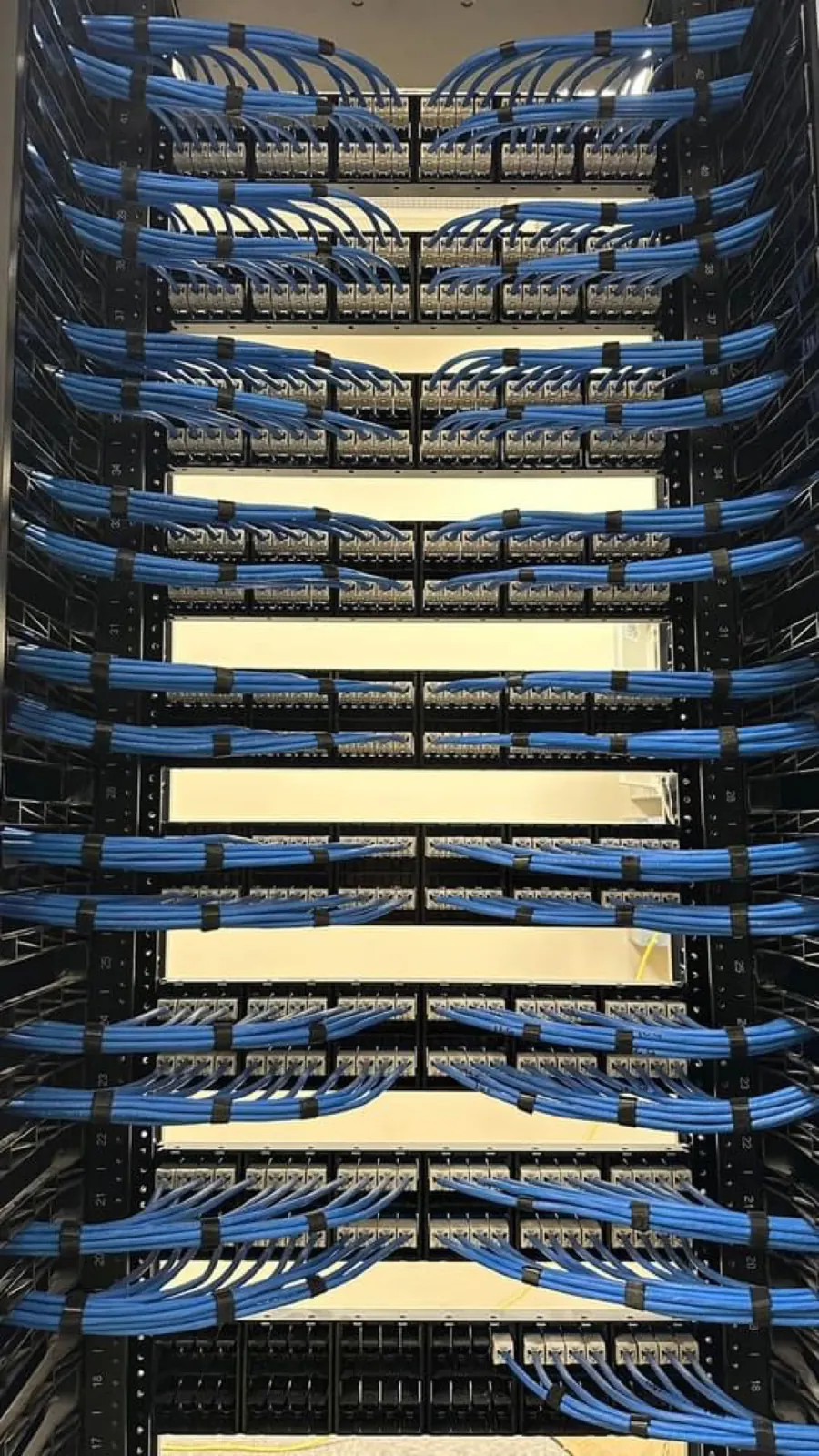
- A proper router and a labeled rack. The router, switch and patch panel live in one tidy spot. Everything is labeled, so any tech — us or someone else — can service it later without guessing.
In older plaster homes we fish cable through closets, along chases and up behind trim so nothing shows. It takes longer than new construction, which is why we look at the house first instead of quoting blind.
What about the barn, the garage or the pool?
For a detached garage, a pool house or a workshop in Hunterdon or Morris County, a direct-burial Cat6 run is ideal. Where trenching is not practical, a point-to-point wireless bridge — two small directional antennas that see each other — carries a full-speed link to an access point in the outbuilding. Outdoor-rated access points cover the deck and the yard.
Signs you need the wired approach, not another gadget
- You have already tried an extender or a mesh kit and it is still bad in one part of the house.
- Video calls drop or freeze when someone else starts streaming.
- The house has plaster walls, brick, or a finished basement.
- You are adding cameras, a smart home system or a media room — all of which live or die on the network underneath them.
How long it takes
A whole-home Wi-Fi install with two or three access points and a small rack is usually a single day. We set up every phone and laptop before we leave and walk you through where everything lives.
Not sure what your house needs? Build it in the Project Builder — pick the access points and drops you think you need and see a starting-at price in a minute — or send us a few photos and we will tell you what we would do.
Frequently asked questions
Why did my mesh kit not fix the dead zones?
Mesh systems work well in small, open-plan homes. In a colonial they usually fall short because the satellites talk back to the main unit wirelessly, through the same plaster, lath and floors that caused the problem in the first place. Each hop costs speed, so the far end of the house gets a strong-looking signal that carries very little.
Will upgrading to Wi-Fi 7 solve it?
No. Newer Wi-Fi standards raise the ceiling on speed between a device and an access point that can already hear each other. They do nothing about a plaster-and-lath wall, a router sitting in a basement corner, or three floors covered by one radio. Those are placement and wiring problems, and a new standard does not move walls.
What actually fixes it?
A wired backbone. Access points placed where people actually use the house, each with its own cable run back to one location, so every access point has a full-speed connection rather than relaying through another. That is the difference between coverage on a box and coverage in the back bedroom.
Can you cover a detached garage, barn or pool area?
Yes. Outbuildings and outdoor areas are a common part of these jobs and they are handled the same way as the house — a proper run out to a weather-rated access point, rather than hoping the signal from indoors reaches across the yard.
Want a number for your place?
Build your project in a minute and see a starting-at price, or send us a few photos and we'll quote it.