Slow Wi-Fi in the bedroom, video calls that freeze, a “mesh” kit that never quite fixed it. Most New Jersey homes and small offices are running on a single router in a closet, and the fix is not another gadget. It is a properly designed network. Here is what that costs.
Ranges below are typical installed prices for the jobs we do from Bridgewater. Final quotes depend on the building and cable runs.
Why the network comes first
Cameras, smart home gear, streaming, and work-from-home all ride on the same network. If it is weak, everything on top of it is weak. That is why we treat the network as the foundation, not an afterthought. (More on that here: Why your network should come first.)
Typical home network and Wi-Fi jobs in NJ
| Job | What it covers | Typical timeline |
|---|---|---|
| Wi-Fi tune-up | Site survey, router placement, channel and settings cleanup, one access point if needed | 2 to 3 hours |
| Whole-home Wi-Fi (2 to 3 access points) | Ceiling-mounted access points wired back to a PoE switch, one network name everywhere | Half a day to 1 day |
| Ethernet drops | Cat6 run from the network closet to a wall jack (TV, office, gaming, camera) | Per drop, same visit |
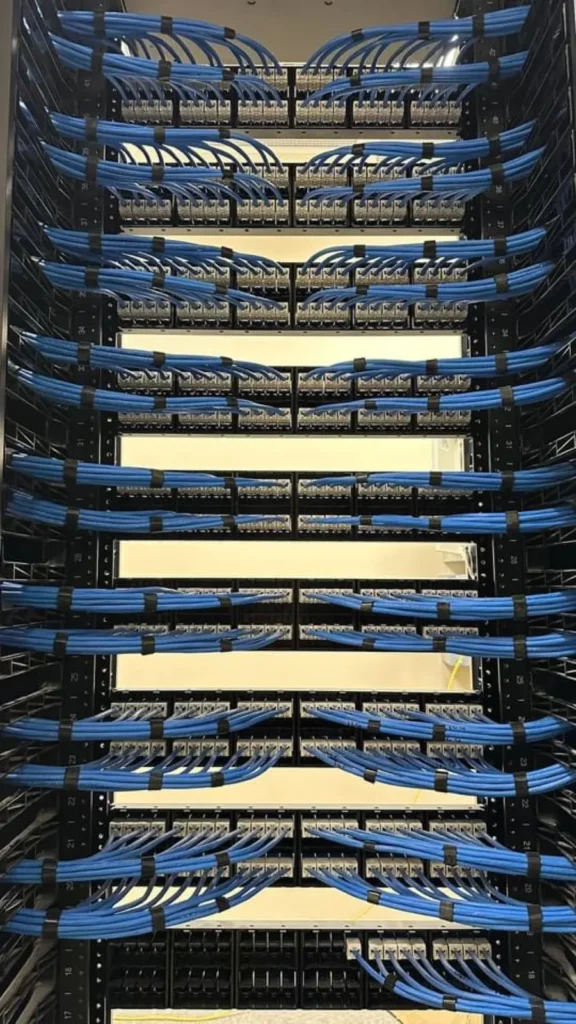
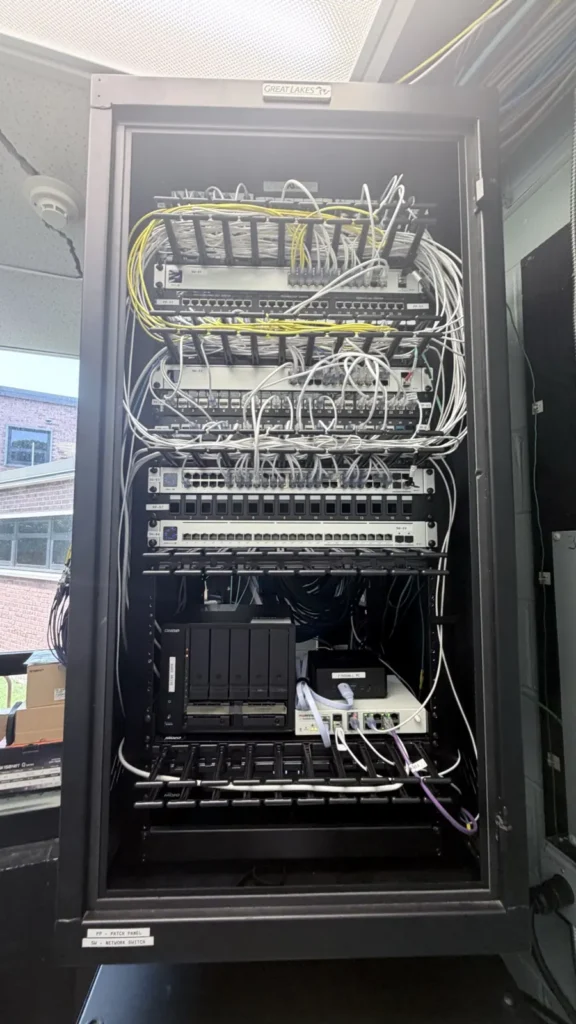
| Full home network build | Router/firewall, PoE switch, patch panel, 3 access points, 6 to 10 drops, labeled and tested | 1 to 2 days |
| Small office network | Business router, managed switch, 2 to 4 access points, 10 to 20 drops, guest Wi-Fi | 1 to 3 days |
| Outdoor / detached building | Outdoor access point or wireless bridge to a garage, pool house, or shop | Half a day |
What moves the price
- House construction. Open basement and attic access makes cable runs fast. Finished ceilings, brick, and plaster take longer.
- Number of drops. The first drop carries the setup time; each additional drop on the same run is cheaper.
- Square footage and layout. A 2,000 sq ft ranch may need one access point; a 4,500 sq ft colonial with a finished basement needs three.
- Equipment tier. Consumer mesh vs. prosumer (Ubiquiti, TP-Link Omada) vs. business-grade. We size it to what you actually do, not the most expensive box.
- Your internet plan. Fiber or cable, and whether your provider’s box can be put in bridge mode.
Mesh kit vs. wired access points
A mesh kit from a big-box store is a fine fix for a small house. In a larger home it usually disappoints because each mesh node talks to the next over Wi-Fi, halving your speed at every hop. Wired access points send full speed to every room and never lose sync. That is the single biggest difference between a big-box kit and a professionally wired install, and it is the one people notice every day.
What is included in a TrekTek network install
- A short site survey so access points go where they are needed, not where it is convenient.
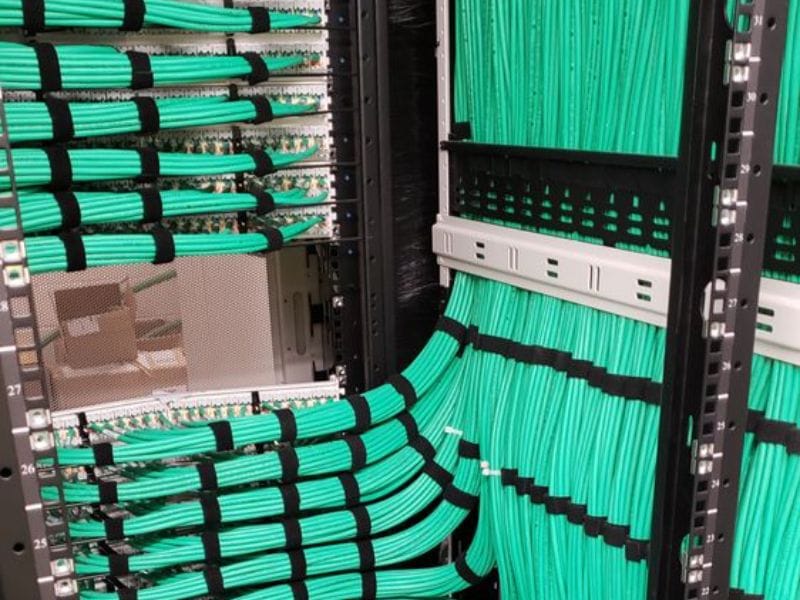
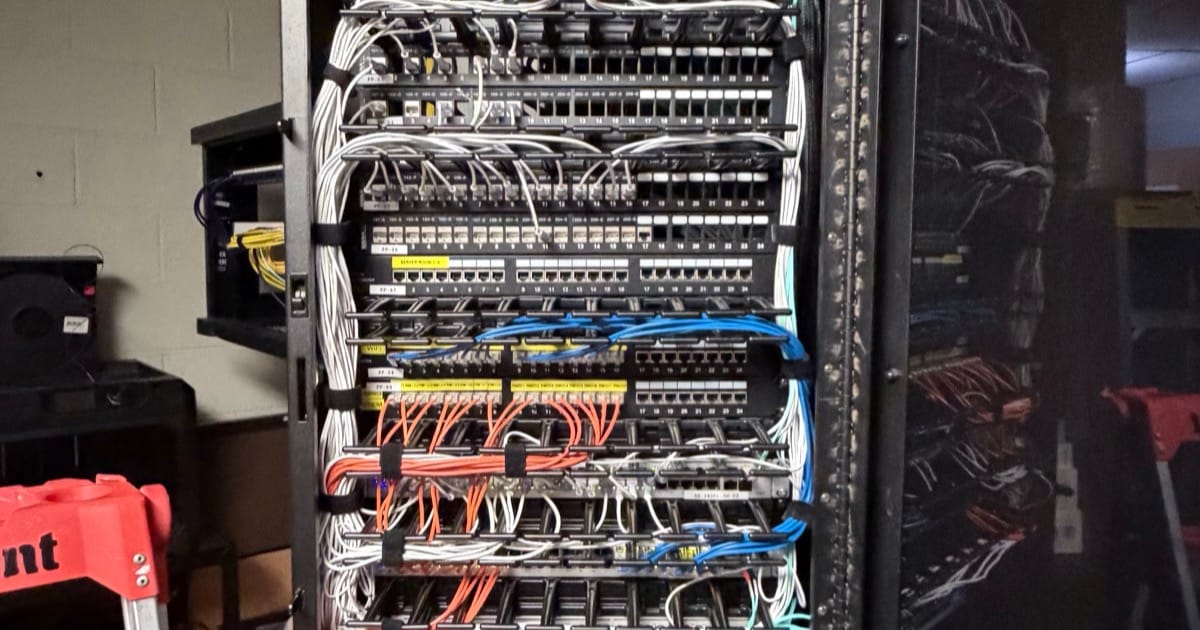
- Cat6 cable, tested and labeled, terminated on a patch panel and wall jacks.
- Access points mounted on ceilings or high walls, powered over the cable (no outlets needed).
- One Wi-Fi name that works everywhere, plus a separate guest network.
- Camera, smart home, and streaming devices moved onto the new network and checked.
- A walkthrough of the app so you can see what is connected and reboot things yourself.
What is not included
Your internet service itself, electrical outlets, and drywall repair beyond small access holes. If any of those come up, we tell you before we start.
How to get a real quote
Tell us the size of the home or office, how many rooms need a wired connection, and where the internet comes into the building. A few photos of the basement or utility area help a lot. We will send an estimate, and for larger jobs we will walk it with you first.
Request a free network estimate, call or text (908) 546-1505, or see what we do under structured cabling and networking. Based in Bridgewater, serving Somerset, Hunterdon, Morris, Union, Mercer, Monmouth, and Middlesex counties.
Frequently asked questions
How long does a whole-home Wi-Fi install take?
Most homes are done in one day. A full build with ten or more drops is usually two.
Do I need to replace my provider’s router?
Usually we keep it as the modem and put it in bridge mode so your new router handles Wi-Fi and security. If it cannot be bridged, we work around it.
Will this help my work-from-home video calls?
That is the most common reason people call us. A wired drop to the desk or a properly placed access point fixes it almost every time.
Can you run cable to my TV so it stops buffering?
Yes. A single Cat6 drop to the TV or streaming box is one of the cheapest upgrades on this list.
Want a number for your place?
Build your project in a minute and see a starting-at price, or send us a few photos and we'll quote it.