Cameras that buffer. Smart lights that come on a few seconds late. A video call that drops out in one corner of the house. Most people blame the device: the camera, the bulb, the laptop. Nine times out of ten, the real culprit is the network everything runs on.
If you’re planning any kind of technology at home or at work, whether that’s security cameras, smart home gear, AV, or AI tools, the network is the right place to start. Here’s why it matters more than most people expect.
Everything you add runs on the network
Your cameras, speakers, thermostats, doorbells, and access points all share the same Wi-Fi and cabling. When that foundation is weak, everything sitting on top of it feels broken. People end up replacing gear that was working fine, when the network underneath was the problem all along.
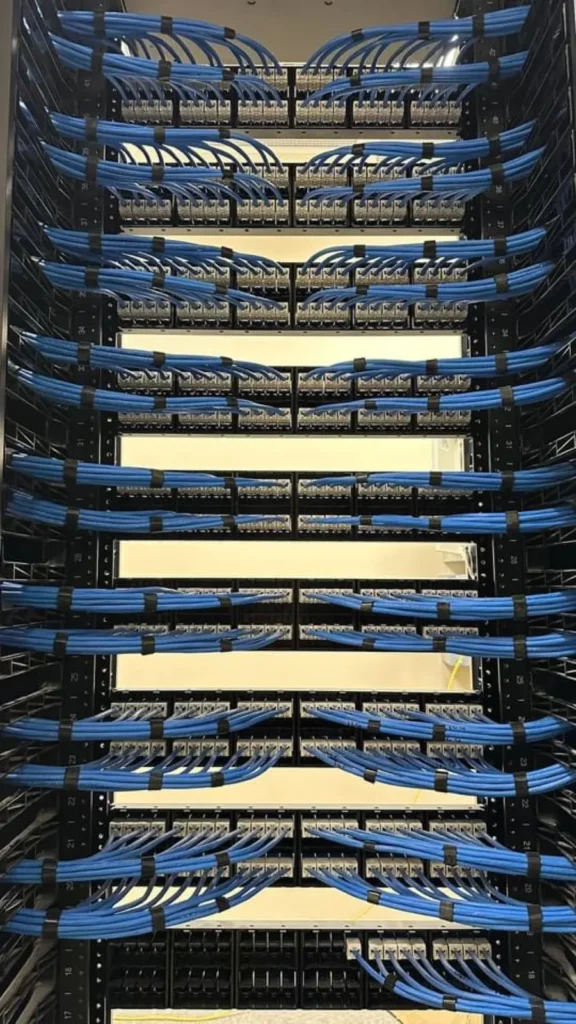
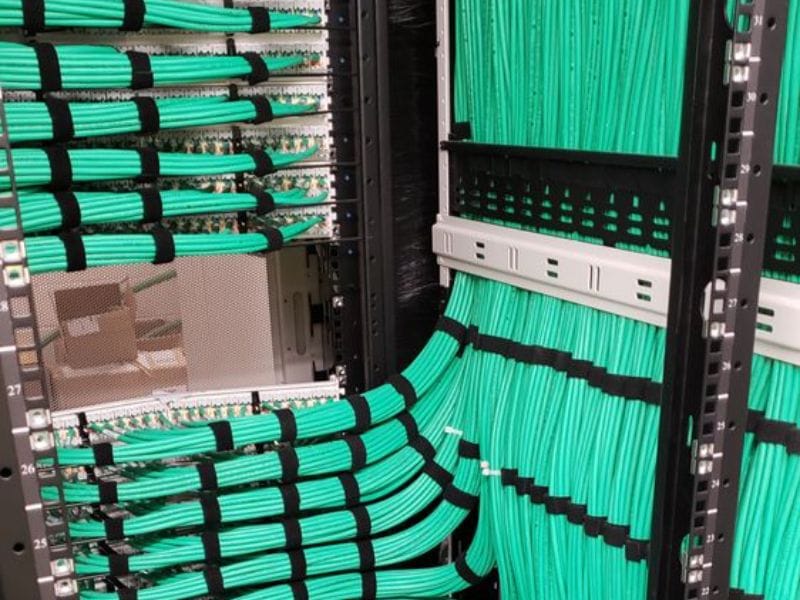
Good cabling does more than look tidy. When your Cat6 or Cat6A is run cleanly, labelled, and tested, everything connected to it runs more reliably. Do it properly the first time and you won’t be back in the walls in two years.
Wired beats adding another extender
When Wi-Fi gets flaky, the usual instinct is to buy one more extender. Most of the time the better answer is proper access points wired back to the network. That gives you real coverage instead of a weak signal bounced around the house. For a bigger home, a business, or any connection you genuinely rely on, we recommend going wired.
What good networking includes
Every home is different, but these are the building blocks for a New Jersey home:
- Ethernet data drop — Cat6 from the network closet to a wall jack
- Extra drops on the same visit — cheaper per drop, so plan the whole house
- Wi-Fi access point install — ceiling-mounted, wired back to the switch
- Whole-home Wi-Fi upgrade — 2 to 3 access points, one network name everywhere
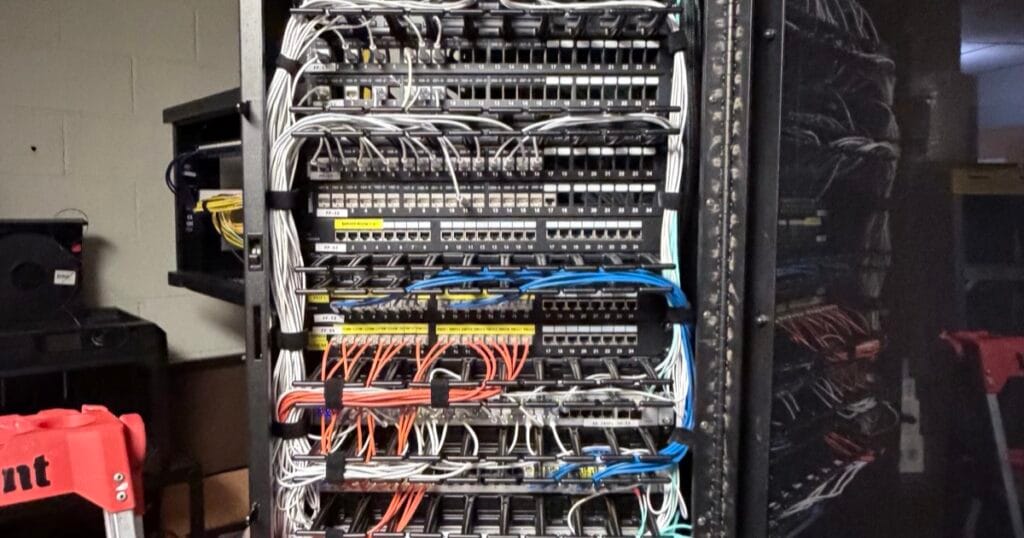
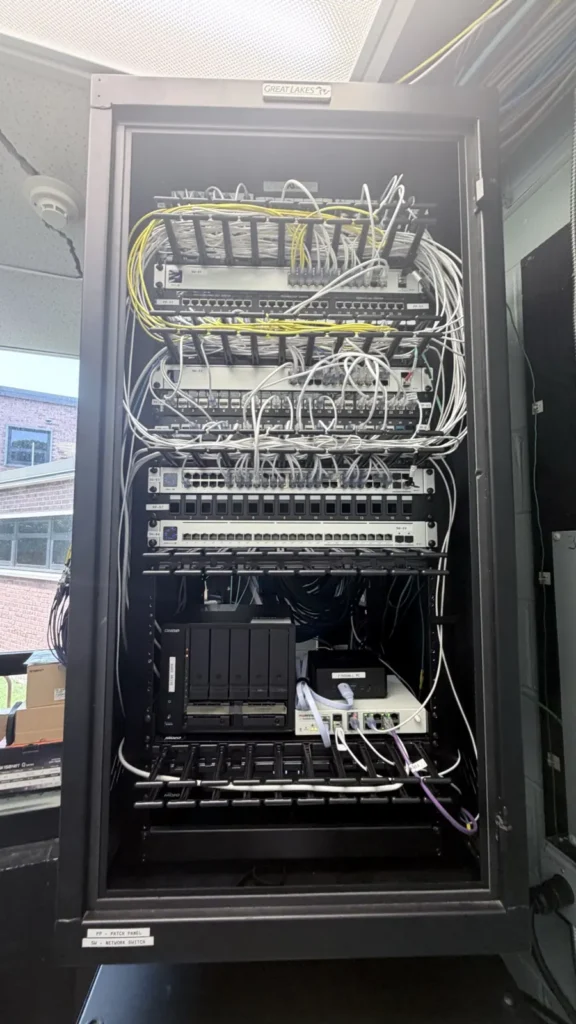
- Home network rack cleanup — patch panel, labels, tidy switch and router
Every quote is built around the house. The final number depends on how many drops you need, how long and difficult the cable runs are, whether the walls and ceilings are open or finished, and the hardware you choose.
Plan the whole house at once
Extra drops on the same visit cost less, so it pays to plan the whole house in one go rather than a room at a time. It works out cheaper, and you won’t have anyone fishing cable through the same wall twice.
Start with a network check
Before you spend on cameras or smart devices, have the network looked at. It’s usually cheaper than replacing gear that was never the problem. Tell us about your space and we’ll come back with a real number. Call or text 908-546-1505, or email info@trekteknj.com.
Frequently asked questions
Why start with the network instead of the cameras or smart home?
Because everything you add runs on it. Cameras, speakers, thermostats, doorbells and access points all share the same Wi-Fi and cabling. When that foundation is weak, everything sitting on top of it feels broken — and people end up replacing gear that was working fine.
Would another extender fix my Wi-Fi?
Rarely. An extender rebroadcasts a signal that was already weak by the time it arrived. Proper access points, each wired back to the network, give you real coverage instead of a weak signal bounced around the house.
What does good networking actually include?
Cat6 or Cat6A drops run cleanly from the network location to each wall jack, ceiling-mounted access points where people actually use the house, and the whole thing labelled at both ends, tested and documented — so the next person in the walls, including us, knows what is where.
Should I plan the whole house at once even if I am not ready?
It is usually worth it. Extra drops added on the same visit cost far less per drop than coming back, and the expensive part of the job is access, not cable. Planning the whole house and installing what you need now is the cheaper version of doing it twice.
Want a number for your place?
Build your project in a minute and see a starting-at price, or send us a few photos and we'll quote it.